A practical reference for the TW identity: the mark, the type, the colour and the character that connect everything we make.
01 / Our mark
Simply TW.
The TW monogram is the primary mark used in the website header. Use the supplied artwork rather than recreating it with a font.
Primary / Navy on lightBrand expression / Yellow on navyReversed / White on darkSmall format / Favicon
Give it room.
Keep surrounding text and imagery clear of the mark. As a practical starting point, allow clear space of at least one quarter of the mark’s height on every side.
Suggested production guidance. Final print minimum sizes and clear-space specifications should be confirmed against the master artwork.
Illustrative clear space
Keep it consistent.
Preserve the original proportions.
Use navy on light backgrounds and white on dark photographs.
Use the yellow and navy combination for brand expression and small icons.
Check legibility at the final display size.
Avoid alterations.
Do not stretch or redraw the mark.
Do not add shadows, outlines or decorative effects.
Do not introduce a registered mark.
Do not place it on busy imagery without a clear contrast treatment.
02 / Typography
Character in two voices.
Primary / Manrope
Good ideas. Made real.
Headings, body copy and client names. Use confident, closely spaced headings and a lighter accent to create hierarchy.
Keep body copy easy to read. Use sentence case where it feels natural, and capitals deliberately. The website style guide shows the current H1–H6 hierarchy and component examples.
03 / Colour
Confident. Clear. TW.
Navy
#012850
Identity, text and dark surfaces.
Blue
#0051fe
Primary actions and typographic accents.
Yellow
#fdfa2d
Energy, highlights and expressive panels.
Pale blue
#eaf0ff
Calm backgrounds and supporting blocks.
White
#ffffff
Space, clarity and contrast.
Digital colours are defined in HEX. Print specifications should be proofed with the printer rather than treating automatic CMYK conversions as approved brand values.
Use navy text on yellow, pale blue and white. Use white text on blue buttons, including hover states. Client-specific project artwork may use the client’s own palette.
04 / Imagery & layout
Real people. Real work.
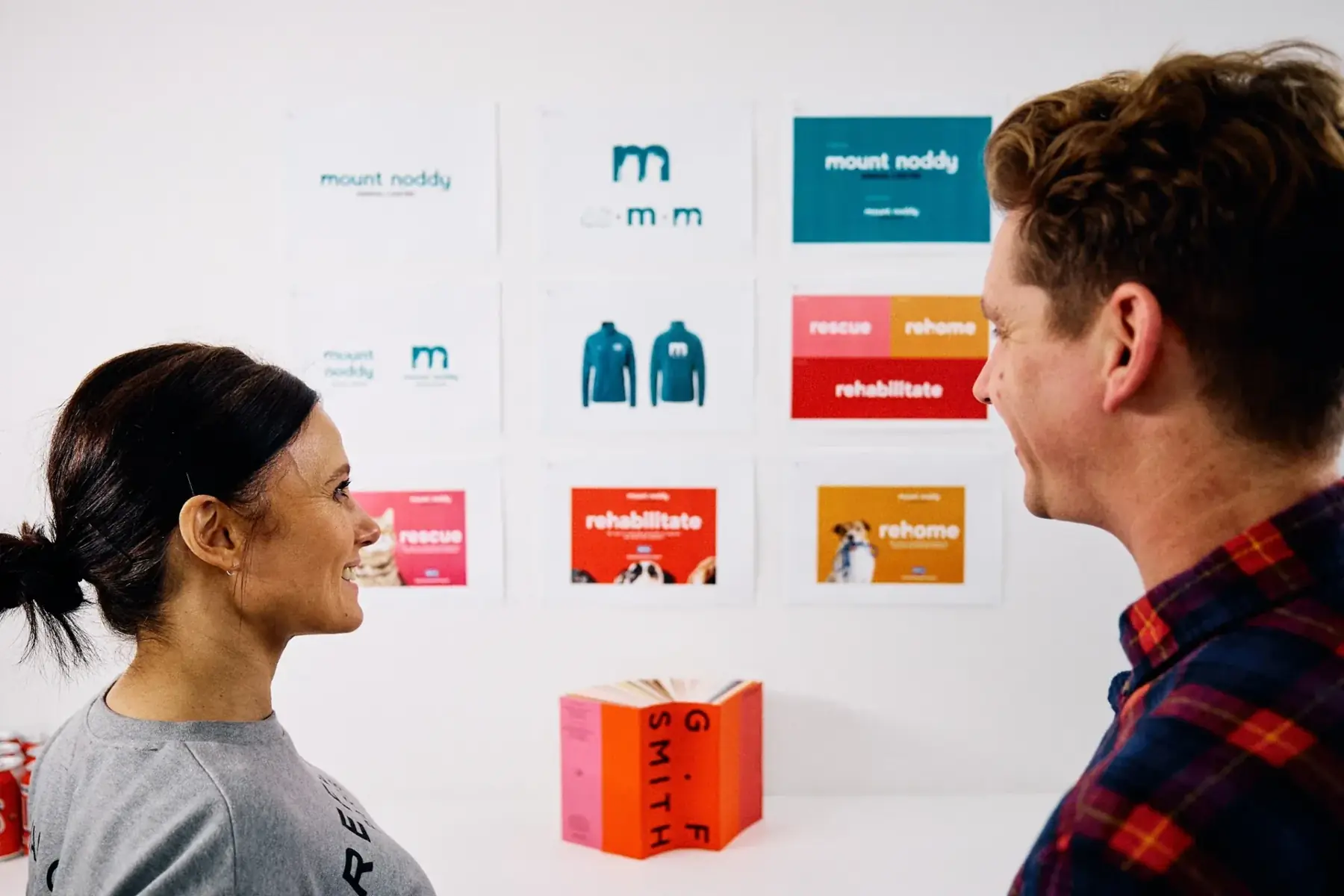
Personality comes from the people and the work.
Photography
Use authentic team photographs and approved client imagery. Show the thinking, collaboration and details behind the work. Keep imagery generous and purposeful.
Digital expression
Combine left-aligned editorial headings with generous spacing, rounded panels and simple actions. Use a restrained navy overlay for text on photographs. Hover effects should stay consistent and respect reduced-motion preferences.
05 / Tone of voice
Clear thinking. Plain speaking.
Confident and human.
Write in UK English. Be concise, warm and direct. Explain the challenge and our contribution in language people can understand.
Show the substance.
Use specific, verified examples. Avoid exaggerated claims, generic agency phrases and unapproved results or testimonials.
06 / Working resources
Everything in one place.
These are the assets used by the website. Use approved vector master artwork for large-format or print production.